

1. Click Start
2. go to RUN type "CMD" and press enter
3. then enter net user command
4. you can see the whole user accounts running on your machine.
5.Then see d user account which u want to change d password
then enter this command
net user {user account name } * ------ put the user account name which u want to change the password in between d braces and after dat asterisk mark. d asterisk is important
net user {user account name } * ------ put the user account name which u want to change the password in between d braces and after dat asterisk mark. d asterisk is important
6. you will see this line coming out
Type a password for the user :
Type a password for the user :
7. well u cant see what u r typing so beware after hitting enter you will ask again to retype after that you password get changed successfully.
IF you like this post please comment


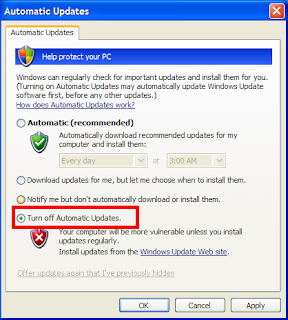 It may happen due to some viruses, Trojan, or other things,however if you want to turn on the AUTOMATIC UPDATES just follow this simple steps.